
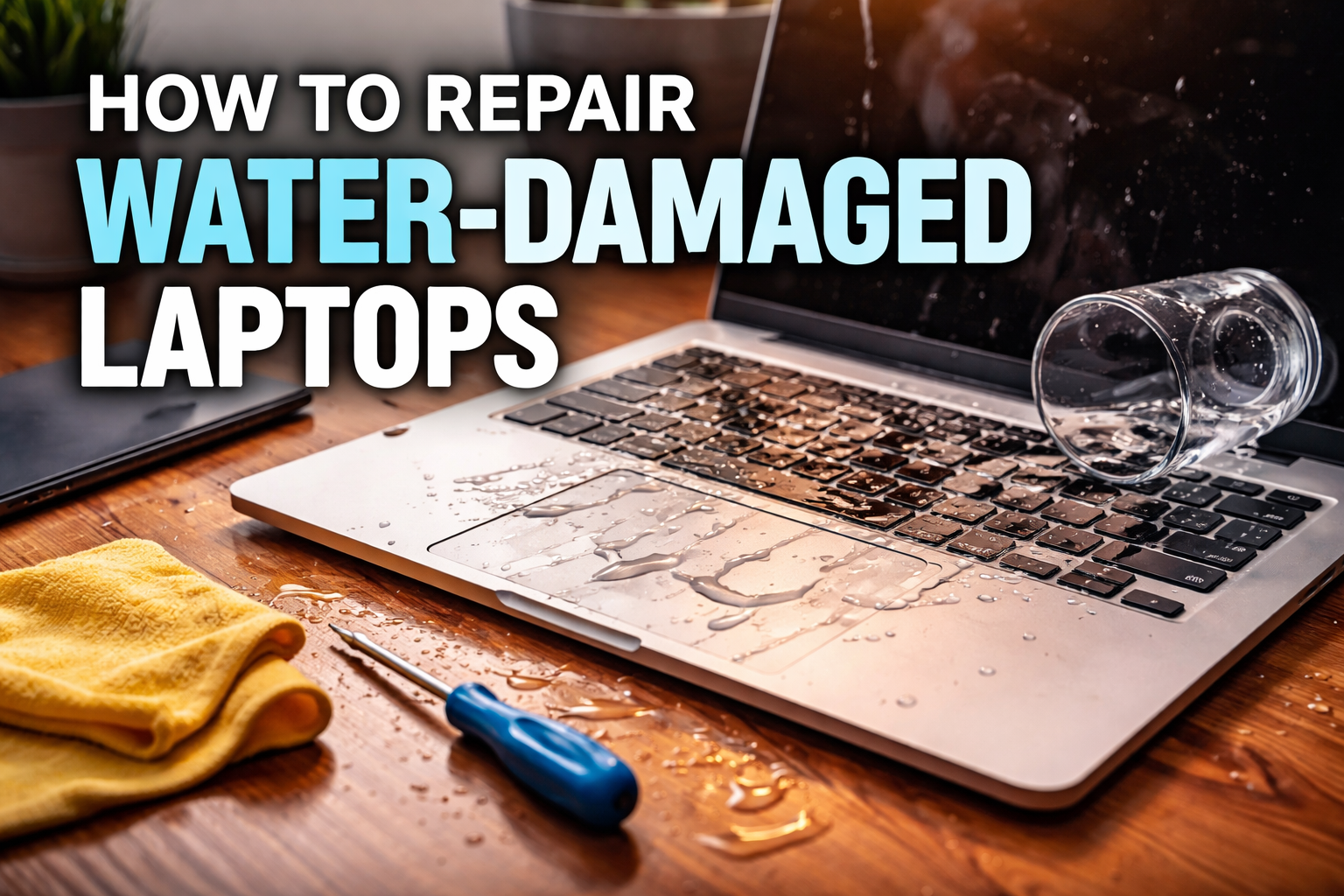
Accidents happen. A knocked-over cup of coffee, a sudden rain splash, or a leaking water bottle can turn a perfectly working laptop into a source of panic within seconds. Water damage is one of the most common — and most misunderstood — laptop problems. While it can be serious, the good news is that fast, correct action can often save your device.
Here’s a clear, practical guide on how water-damaged laptops are repaired, what you should do immediately, and when it’s time to call in professionals like Absolute PC Repair.
What Happens When a Laptop Gets Wet?
When liquid enters a laptop, it can:
-
Short-circuit the motherboard
-
Corrode internal components over time
-
Damage the keyboard, trackpad, or screen
-
Cause hidden failures days or weeks later
Even if the laptop seems fine after drying, corrosion can quietly spread and cause delayed breakdowns.
Immediate Steps to Take (Very Important)
What you do in the first few minutes can make the biggest difference.
-
Turn it off immediately
Don’t try to “save your work.” Power it down instantly. -
Unplug everything
Remove the charger, USB devices, external drives, and memory cards. -
Disconnect the battery (if possible)
For removable batteries, take it out right away. For sealed laptops, keep the device powered off. -
Do NOT turn it back on
This is the most common mistake. Turning it on can permanently short critical components. -
Tilt and drain
Gently tilt the laptop so liquid can drain out. Avoid shaking it aggressively.
Why Rice and Air-Drying Are Not Enough
Many people rely on rice or leaving the laptop to “dry for a few days.” While this may remove surface moisture, it does not:
-
Remove liquid trapped under chips
-
Stop corrosion on the motherboard
-
Clean sticky residues from sugary drinks or coffee
Professional repair goes far beyond drying.
How Professionals Repair Water-Damaged Laptops
At a repair center like Absolute PC Repair, the process is methodical and precise.
1. Full Disassembly
The laptop is carefully opened, and all components are separated — keyboard, motherboard, SSD, battery, screen connectors, and more.
2. Ultrasonic or Chemical Cleaning
The motherboard and affected parts are cleaned using specialized solutions that remove corrosion and residue without damaging delicate circuits.
3. Component-Level Inspection
Technicians check for:
-
Burned or shorted components
-
Corroded chips and connectors
-
Damaged power circuits
Faulty components are repaired or replaced at the chip level when possible.
4. Testing and Reassembly
Once cleaned and repaired, the laptop is reassembled and tested under real-world conditions to ensure stability and reliability.
Can All Water-Damaged Laptops Be Saved?
Not always — but many can.
Success depends on:
-
How quickly power was turned off
-
The type of liquid (water vs. sugary drinks)
-
How long the liquid stayed inside
-
Whether the laptop was powered on after the spill
High-quality laptops from brands like Apple, Dell, HP, and Lenovo often have excellent recovery rates when handled quickly by professionals.
Signs You Need Immediate Professional Repair
Bring your laptop in right away if you notice:
-
Laptop won’t power on
-
Random shutdowns
-
Keyboard keys not responding
-
Overheating
-
Flickering screen
-
Burning smell or unusual heat
Waiting can turn a minor repair into a full motherboard replacement.
Preventing Future Water Damage
-
Keep drinks away from your workspace
-
Use spill-resistant keyboard covers
-
Store laptops in waterproof sleeves
-
Avoid using laptops near pools, kitchens, or windows during rain
Final Thoughts
Water damage doesn’t have to mean the end of your laptop — but time and expertise are critical. The sooner your device is professionally cleaned and repaired, the higher the chances of full recovery.
If your laptop has been exposed to liquid, don’t guess or gamble with DIY fixes. Let experienced technicians properly diagnose and restore your device — and protect your data and investment in the process.
Absolute PC Repair is always ready to help bring water-damaged laptops back to life.